IPTV M3U Guide: 3 Easy Ways to Watch Live TV
What Even Is an M3U File? Your Chill Guide to IPTV M3U Streaming in 2026
So you’ve been hearing about M3U files and IPTV and you’re thinking — okay, what is all this? Don’t worry, I had the same face when I first came across it. But honestly? Once it clicks, you’ll wonder how you ever survived paying $120 a month for cable. Let me break it all down for you like we’re just chatting over coffee.
Is IPTV Actually Legal? (And Should You Be Worried?)
The “It’s Complicated” Part
Here’s the short version: the technology is totally fine. IPTV just means you’re watching TV over the internet instead of through a cable box or satellite dish. No drama there.
The trickier part is the content. Platforms like Samsung TV Plus, Pluto TV, and The Roku Channel are completely above board — they’ve got proper licenses and everything. But a lot of third-party providers out there? They’re streaming premium channels they haven’t exactly paid for. Big gray area.
Basically — if you’re not paying the actual broadcaster for it, you’re probably in murky waters. Worth keeping in mind.
Get a VPN. Seriously.
I know, I know — everyone says this. But with IPTV, it genuinely matters. A VPN hides what you’re doing from your internet provider and keeps nosy third parties out of your business. Bonus: it also unlocks geo-restricted content. NordVPN and ExpressVPN are the go-to picks. Just grab one and forget about it.
Wait, Can IPTV M3U Files Give You Viruses?
Nope! This one’s a total myth. An M3U file is literally just a text file — it’s basically a shopping list of video stream links. You could open it in Notepad. If you ran it through VirusTotal (a tool that scans files with like 70 antivirus engines), it’d come back totally clean. The only real risk is the player you use to open it, so just don’t download some sketchy random app from a forum and you’ll be fine.
The Best Free IPTV M3U Playlists Right Now (May 2026)
The Big Brand Ones — Most Reliable
These come from actual companies, so they’re stable, legal, and free. Start here.
- Samsung TV Plus — Hundreds of channels, completely free. Honestly one of the best-kept secrets in streaming. Grab the M3U link here: https://apsattv.com/ssungusa.m3u
- LG Channels — If you’ve got an LG smart TV, you’re sitting on over 1,000 international channels and probably don’t even know it. Just check your home screen.
- Vizio WatchFree — Great all-rounder with docs, kids’ shows, news, and general entertainment. Super solid for families.
- The Roku Channel — 300+ US and European channels, and you don’t even need a Roku device to access it anymore. Love that.
For the Sports & Movie Fans
- Movies & News — The Strong IPTV Guide is basically the Wikipedia of free IPTV playlists. Browse by genre, language, or country. It’s huge.
- Sports — NFL, NBA, La Liga, football from basically everywhere — there are dedicated M3U lists updated regularly on GitHub. Just search “sports IPTV M3U 2026” and you’ll find active ones.
Regional Picks
- Canada — CBC, CTV, Global — all the essentials are in Canadian IPTV compilations. Great if you actually want to know what’s happening in your own country for once.
- USA / UK / India — BBC, ABC, NBC, Star Plus, Zee TV, Sony LIV — all widely available. Quality can be hit or miss, so test a few streams before you get too attached to any one source.
How to Actually Set This Up (It’s Easier Than You Think)
On a PC or Mac — Use VLC
VLC is free, it’s everywhere, and it just works. Here’s all you do:
- Open VLC → hit Media → Open Network Stream
- Paste your M3U link and click Play
- Want to save it? Go to View → Playlist and save it as a file
Done. You’re streaming.
On a Fire Stick or Android TV
Three apps rule this space right now:
- TiviMate — The fan favourite. Looks great, has a full TV guide built in, and handles multiple streams like a champ. Worth the few bucks for the premium version.
- IPTV Smarters Pro — Perfect if you’re just starting out. Clean, simple, no fuss.
- XCIPTV — Runs lean and fast, great if your device is a little older.
On Kodi
Install the PVR IPTV Simple Client add-on (it’s in the official Kodi repo, don’t go hunting for sketchy downloads). Head to Settings → Live TV → PVR IPTV Simple Client → Configure, drop in your M3U URL, restart Kodi, and boom — you’ve got a full live TV section.
Nerdy Bonus Tip: MAC to M3U Conversion
Got an STB (set-top box) portal that gives you a MAC address instead of an M3U link? Tools like STB Emulator or a quick online MAC-to-M3U converter will sort you out. Converts your portal credentials into a standard M3U that works on literally any player. Handy trick to have up your sleeve.
Where to Find Fresh Working Links
Two subreddits are worth bookmarking:
- r/IPTV — Good for general chat, reviews, and the occasional free playlist drop
- r/FreeIPTV — Community-tested links voted on by actual users
One thing though — always check when a post was made. IPTV links can go dead within days. A link from three months ago is probably toast.
GitHub
This is the real goldmine. The iptv-org/iptv repository auto-updates constantly — dead links get removed automatically, new ones get added. It’s organized by country, genre, and language. Bookmark it. Genuinely one of the most useful free resources on the internet.
Telegram
IPTV Telegram groups have exploded in 2026. People share daily-updated links, niche playlists, and all kinds of stuff. Search “IPTV M3U 2026” or “free IPTV M3U playlist” on Telegram and you’ll find plenty of active groups. Just be a little careful — not everything shared there is clean or legit, so use some common sense.
Making Your Stream Actually Good
Cool Features You Might Not Know About
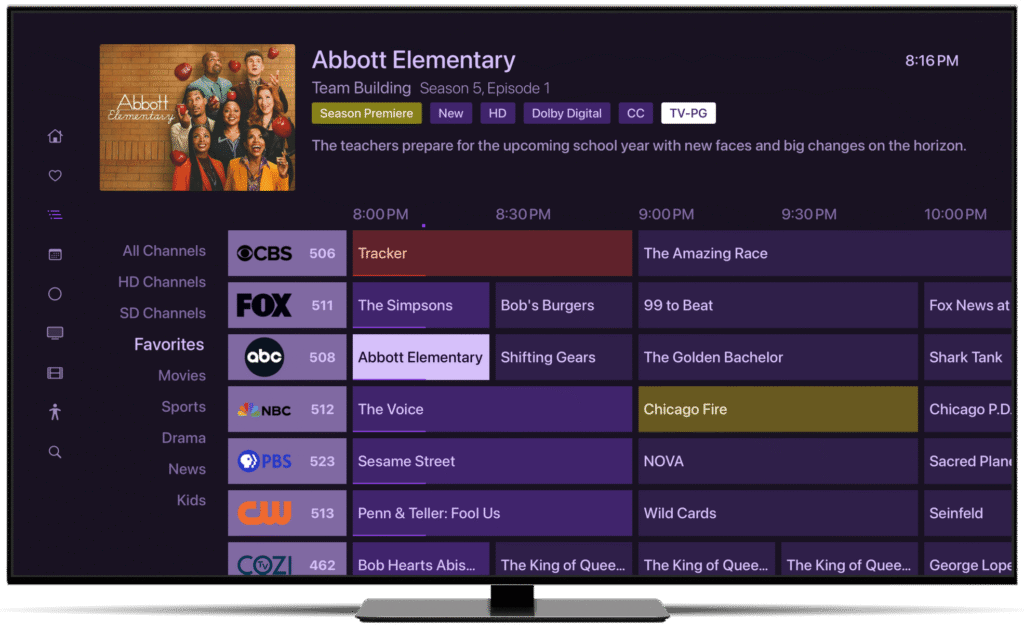
Modern IPTV apps in 2026 are genuinely impressive. You can switch between audio tracks (great for watching foreign content in the original language), toggle subtitles in multiple languages, and sync up an Electronic Program Guide so you know what’s on — just like old-school cable, but, y’know, better.
Buffering: How to Kill It for Good
Buffering is the one thing that drives everyone crazy with Strong IPTV. Here’s what actually fixes it:

- Switch to 5GHz Wi-Fi — or even better, plug in an Ethernet cable. This single change fixes most buffering issues, full stop.
- Pick a closer server — most premium providers have multiple server regions. Pick the one nearest to you and the difference is night and day.
- Look for anti-freeze features — good premium services use adaptive bitrate streaming that smooths over little network hiccups before you even notice them. Worth paying slightly more for.
Quick FAQs
So what even is an M3U file, in plain English? It’s just a text file with a bunch of video stream links in it. Your IPTV m3u app reads the list and plays them. That’s genuinely all it is.
Can I use IPTV m3u on my phone? Yep! Strong IPTV Smarters Pro is on both iOS and Android, TiviMate is great on Android. Works perfectly on mobile — ideal for travel or when someone else has claimed the TV.
Why do my links keep dying? Either the server had an outage, or the content got taken down for legal reasons. That’s just the nature of free IPTV M3U . Auto-updating sources like iptv-org on GitHub help a lot with this.
How much should I pay for a decent premium service? Anywhere from $10 to $25 a month for a proper service with stable streams and actual support. If someone’s offering 10,000 channels for $3 a month, run. You get what you pay for.
The Bottom Line: Cable Had a Good Run
Look, by 2026 it’s pretty clear which way things are going. Smart TVs, streaming sticks, phones — they all natively support M3U playlists now. There’s really no reason to keep paying for a bloated cable bundle you use a quarter of. The flexibility, the price, the global content access — IPTV M3U just wins.
Once you understand what an M3U file is, the whole thing demystifies pretty quickly. Whether you’re going the free route with Samsung TV Plus and GitHub playlists, or putting a few bucks a month into a premium subscription for rock-solid streams, you’ve got options. Good ones.
Cable had a good run. But honestly? Good riddance.
Strong IPTV — Your go-to for IPTV guides, honest reviews, and playlists that actually work.